Account and API tokens
Your profile page is your account hub. It shows your ORCID profile, your remaining quota, your recent jobs, and lets you manage API tokens.
Your profile
-
Open the account menu in the navbar, next to your name, and choose Profile.
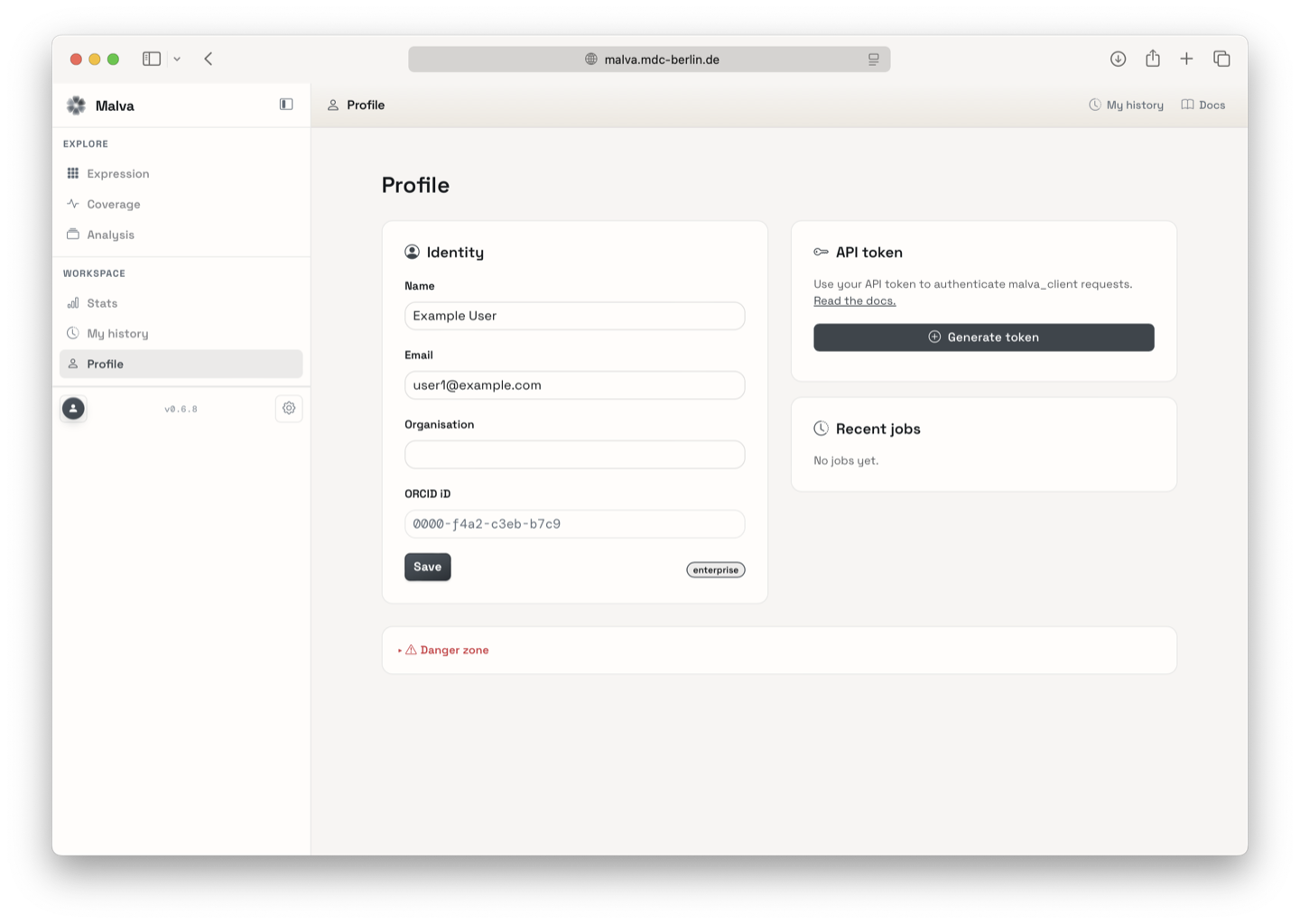
-
From here you can:
- view your account details and quota,
- generate or revoke an API token,
- review your recent jobs with quick links,
- change your display preferences,
- delete your account and all locally stored data.
Generate an API token
API tokens let you use the Malva search API from scripts and notebooks without going through the browser login.
- Go to your profile and find the API token section.
-
Click Generate token. A new token starting with
malva_is shown once.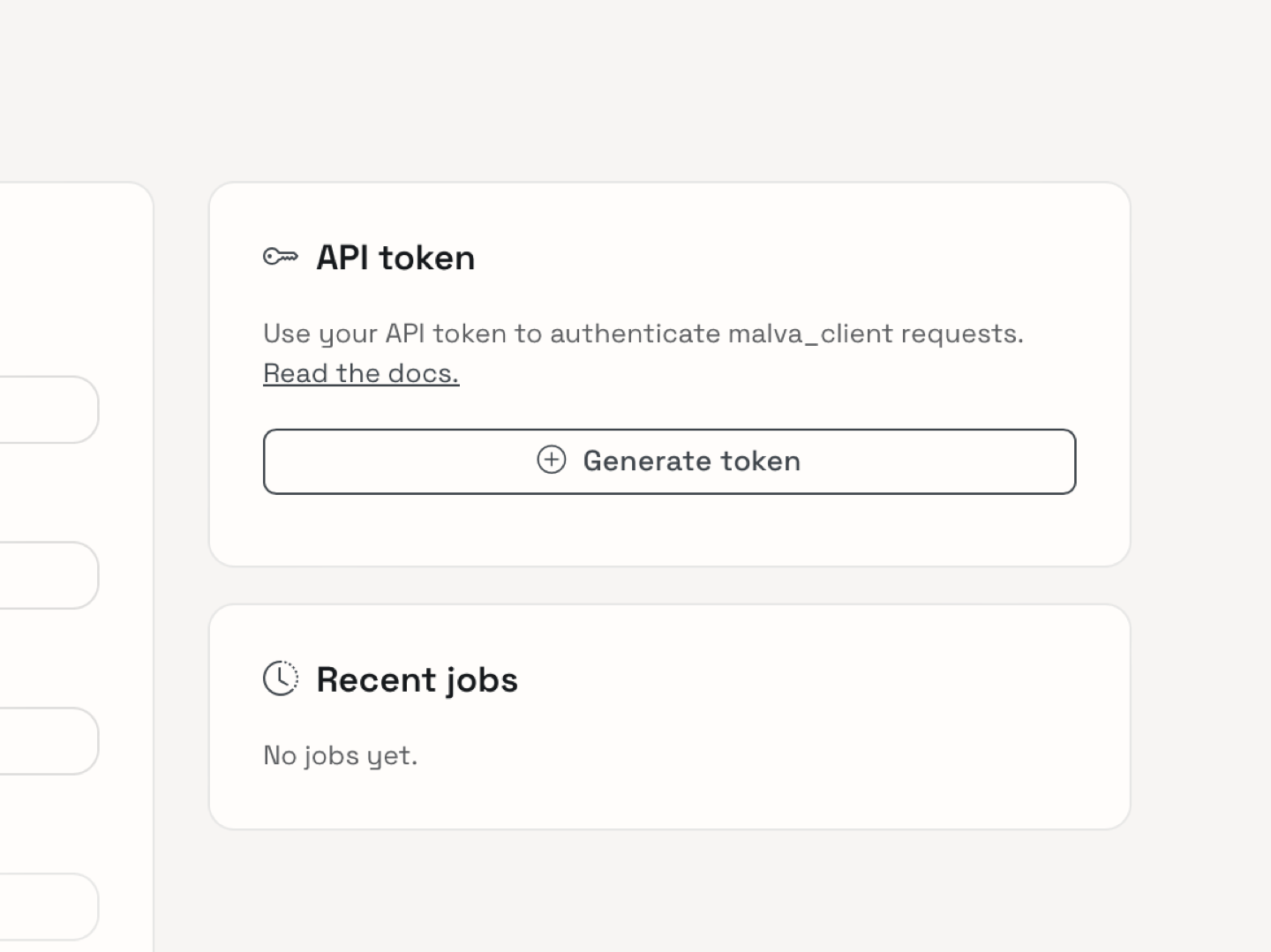
-
Copy it and store it in a safe place. For security, it is not shown again.
-
Use it either to sign in on the login page or as a Bearer header:
Revoke a token
If a token is compromised or no longer needed, revoke it from the same section on your profile. Revocation takes effect immediately for new requests.
Tokens are secret
Treat your token like a password. Do not commit it to version control or paste it into notebooks you share publicly.