Jobs and history
Everything you do in Malva is recorded in your job history. Find it under Jobs in the navigation bar.
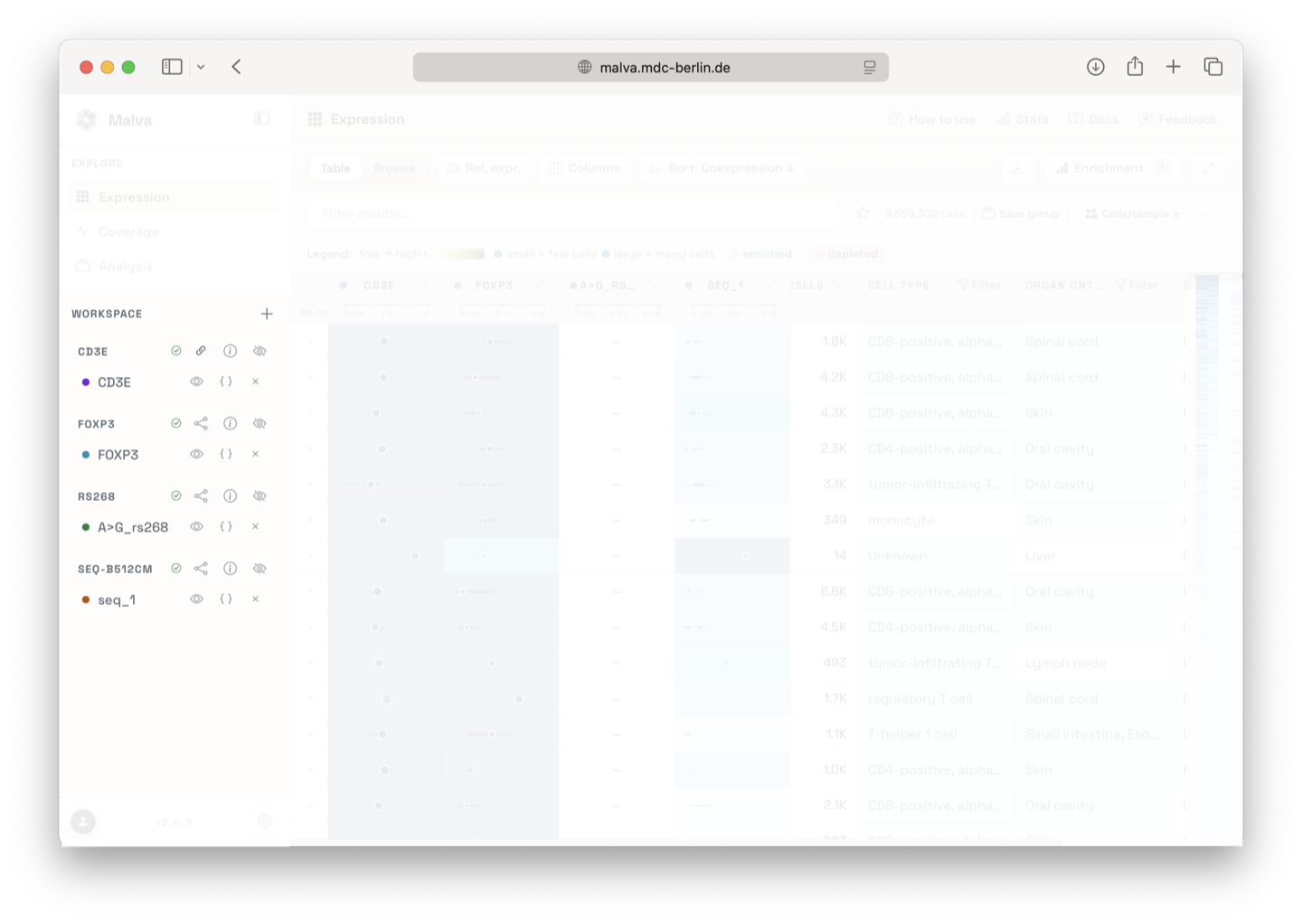
What a job contains
Each job corresponds to a search you ran, in the Expression Explorer or the Coverage Explorer, and shows:
- the query you submitted,
- its status, queued, running, done, or error,
- the time it was created,
- quick actions: open the result, share it, or delete it.
Reopen old results
You can reopen any finished job at any time. Results are recomputed when you open them. This is the way to return to an analysis from days ago without re-running the search, and without spending quota.
Syncing
If a job's status looks stale, use the Sync action to re-check the underlying search service and refresh the card.
Delete jobs
Deleting a job removes it from your history. Your shared links, saved groups, and downloaded exports are not affected.
Is anything stored permanently?
Search results are kept server-side for a limited window and recomputed when you reopen them. For a permanent record, use the downloads and exports page to save the data you care about locally.
Programmatic use
If you need reliable, permanent access to results, use the Malva Python API with your API token.