Signing in
Malva requires an account so that we can track your quota, save your job history, and let you share results. You can sign in two ways:
- ORCID, the recommended option.
- API token, a personal token issued through your profile.
Sign in with ORCID
-
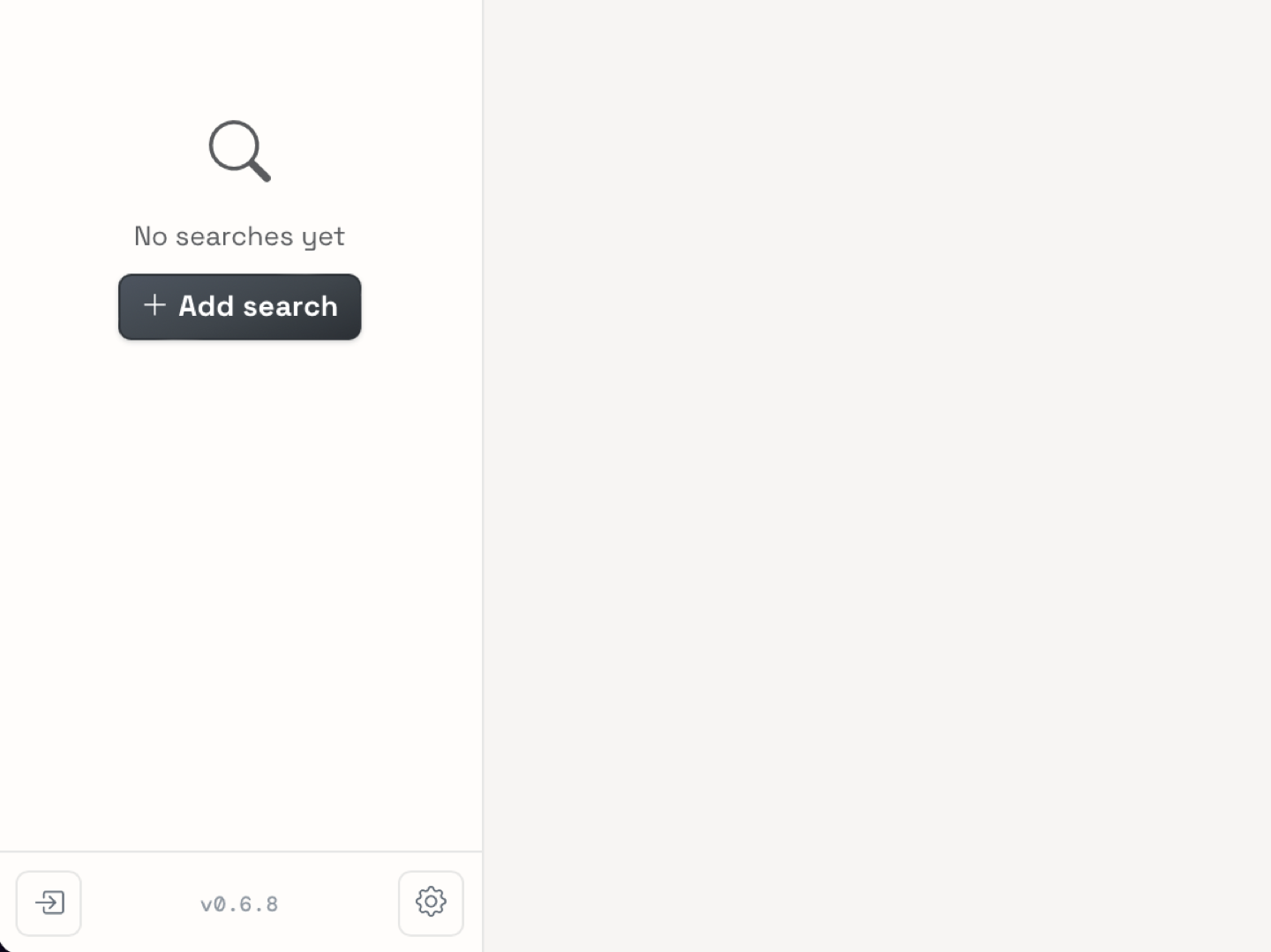
Click Sign in in the lower-left corner of the Expression or Coverage explorer.
-
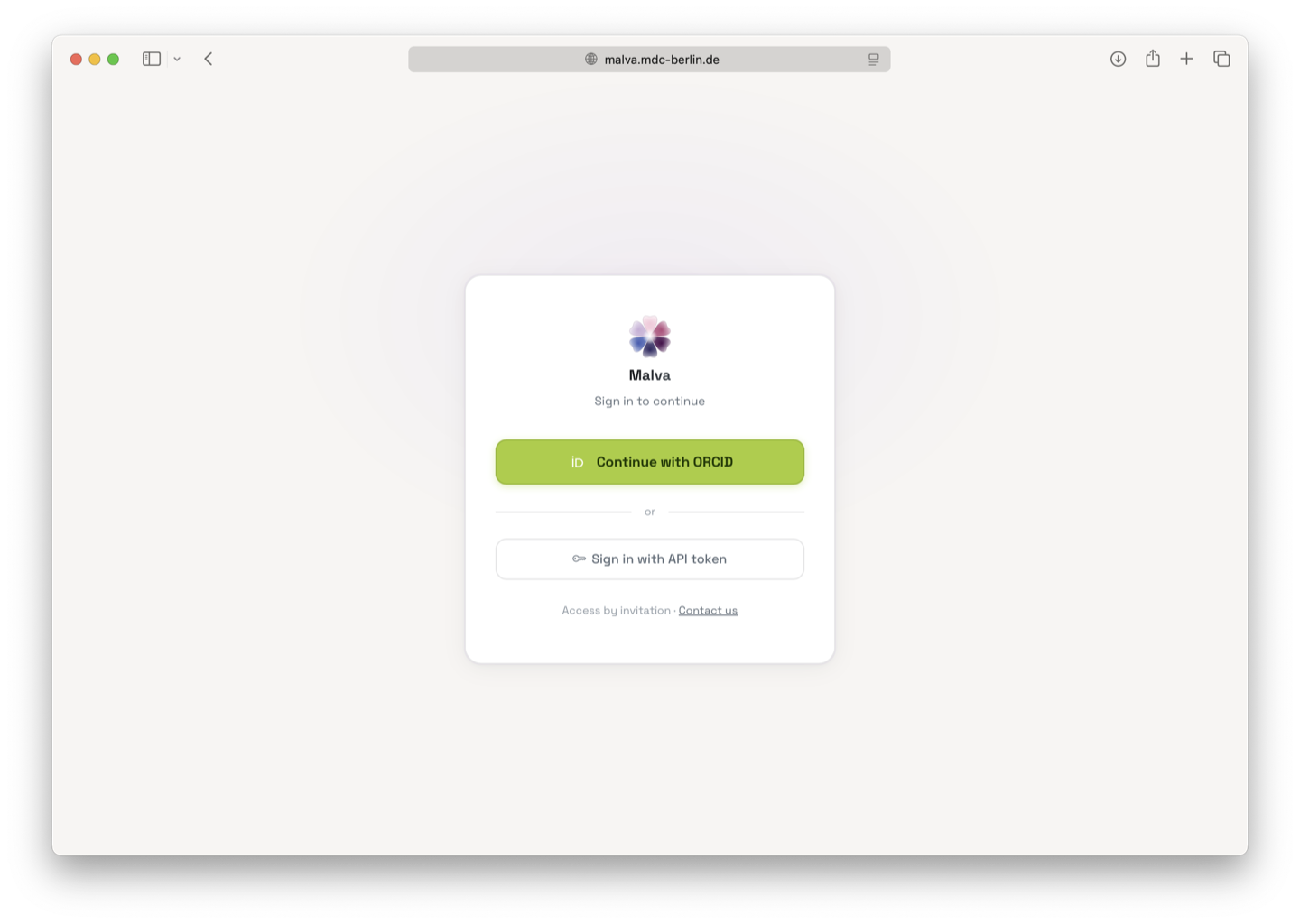
On the login page, choose the ORCID tab and click Sign in with ORCID.
-
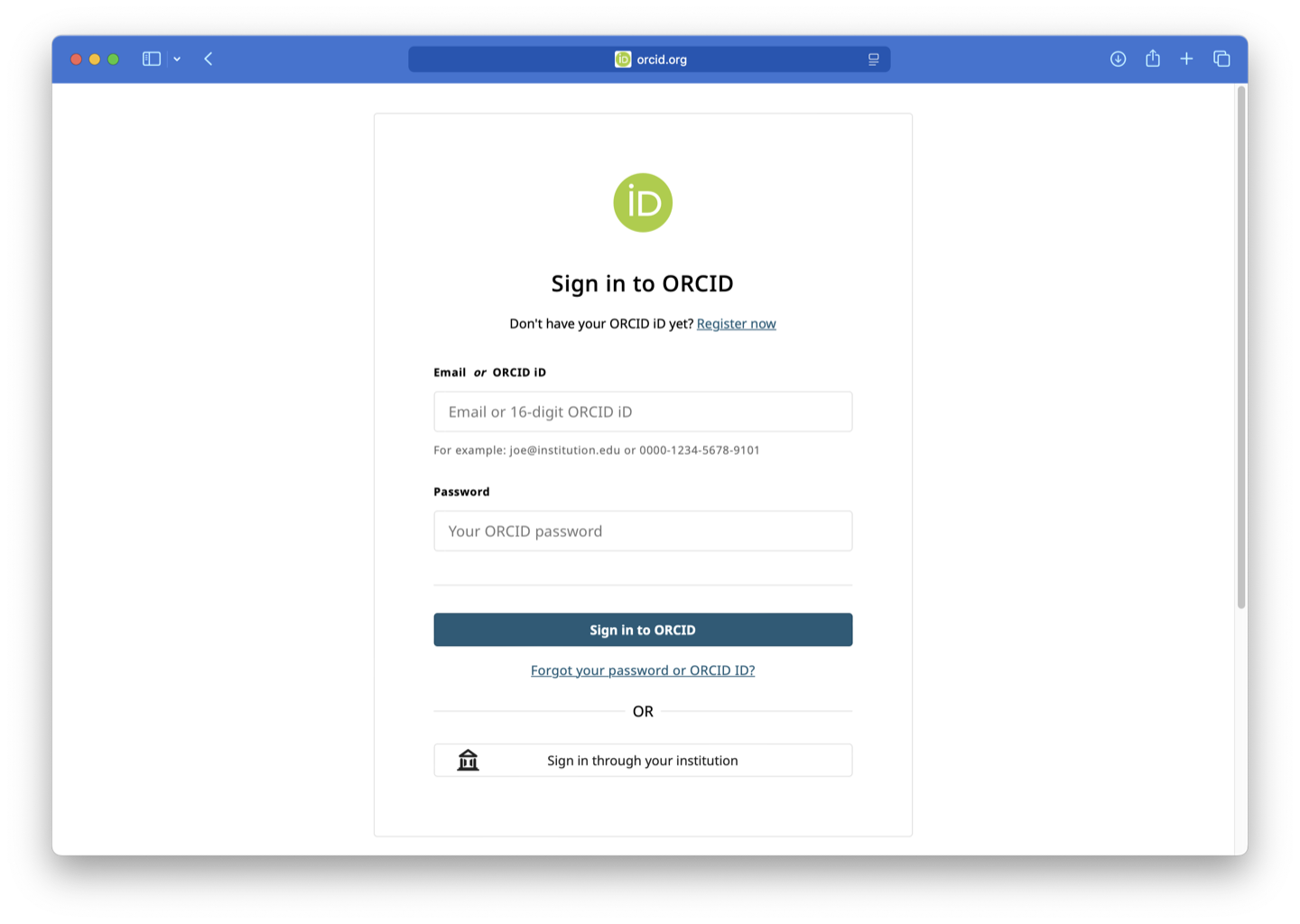
You are redirected to orcid.org. Authorise the Malva application if asked, and you return to Malva automatically.
-
Your account name appears in the navbar instead of the Sign in button.
What ORCID does not share
We receive only your public ORCID profile data, your name and ORCID iD, and use it to identify your account. We never post anything to your ORCID record.
Sign in with an API token
- Get your personal token on your profile page.
- On the login page, choose the API token tab.
- Paste the token and click Sign in.
Sign out
Open the account menu (lower-left corner) and choose Sign out. Signing out only ends your browser session. Your jobs, groups, and shared links remain intact.
Account access
All datasets in the Malva database are currently public and available to every signed-in user. Access control for some future datasets is planned, but no datasets are restricted today.