Sharing results
You can share what you have found with collaborators, including people without a Malva account.
What can be shared
- Expression searches and results, a link to the result view.
- Coverage searches and results, a link to the coverage view.
- Analysis groups, a read-only view of a group and its analyses.
- Jobs, your full job history entry.
How sharing works
- Open the search, result, or group you want to share.
-
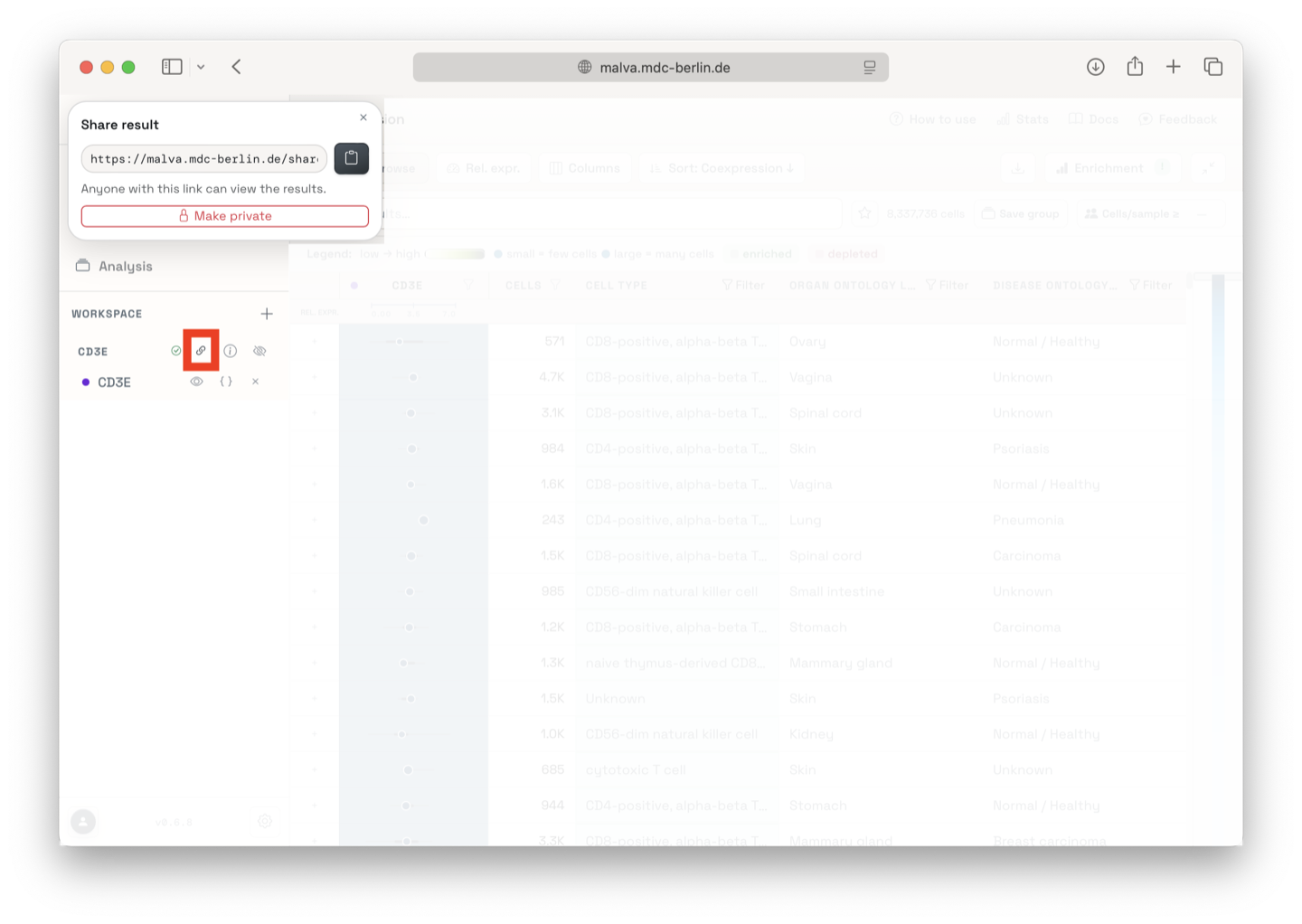
Click Share in the result view, the job card, or the group menu.
-
A secret link is generated. Copy it and send it to your collaborator.
-
Anyone with the link can open the shared view. The recipient does not need to sign in.
Secret by design
Links are unguessable but not encrypted. Treat them like a shared document. Anyone with the link can view it, so do not post it publicly unless you intend to.
Manage sharing
- Unshare any item to revoke the link immediately. It stops working.
- Sharing is per item. Revoking a link does not affect your own access or your job history.
Shared views
A shared view looks like the normal page but shows a banner that explains you are viewing someone else's shared result. You can still open samples and explore, and you can save a copy to your own workspace if you are signed in.